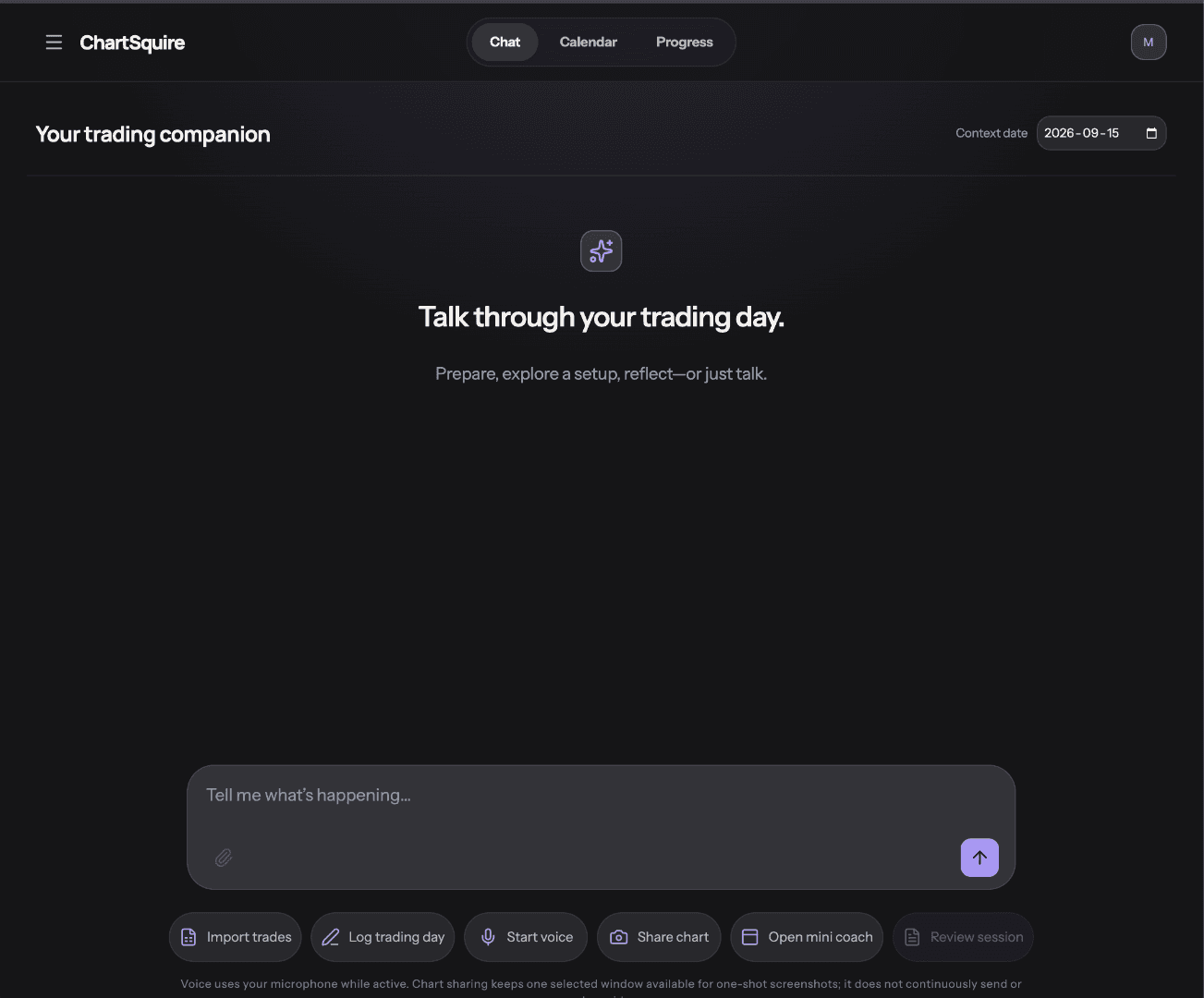
Chat
Talk through your trading day
Use text, voice, trade imports, and chart snapshots to capture what is happening while it is fresh.
Opening your coach…
 ChartSquire
Discipline · Perspective · Progress
ChartSquire is a read-only AI trading companion, journal, and analytics platform for futures traders. It organizes your executions and trading days into a durable session record, tracks the rules you trade by, and turns closed trades into a clear post-trade review.
Read-only by design. ChartSquire never places, modifies, cancels, or copies trades — it reads your trading history so you can review it.
Interface preview
Inside ChartSquire
The companion is the starting point. Everything else — accountability, history, and progress — grows from the conversations and evidence you capture along the way.
Chat
Use text, voice, trade imports, and chart snapshots to capture what is happening while it is fresh.
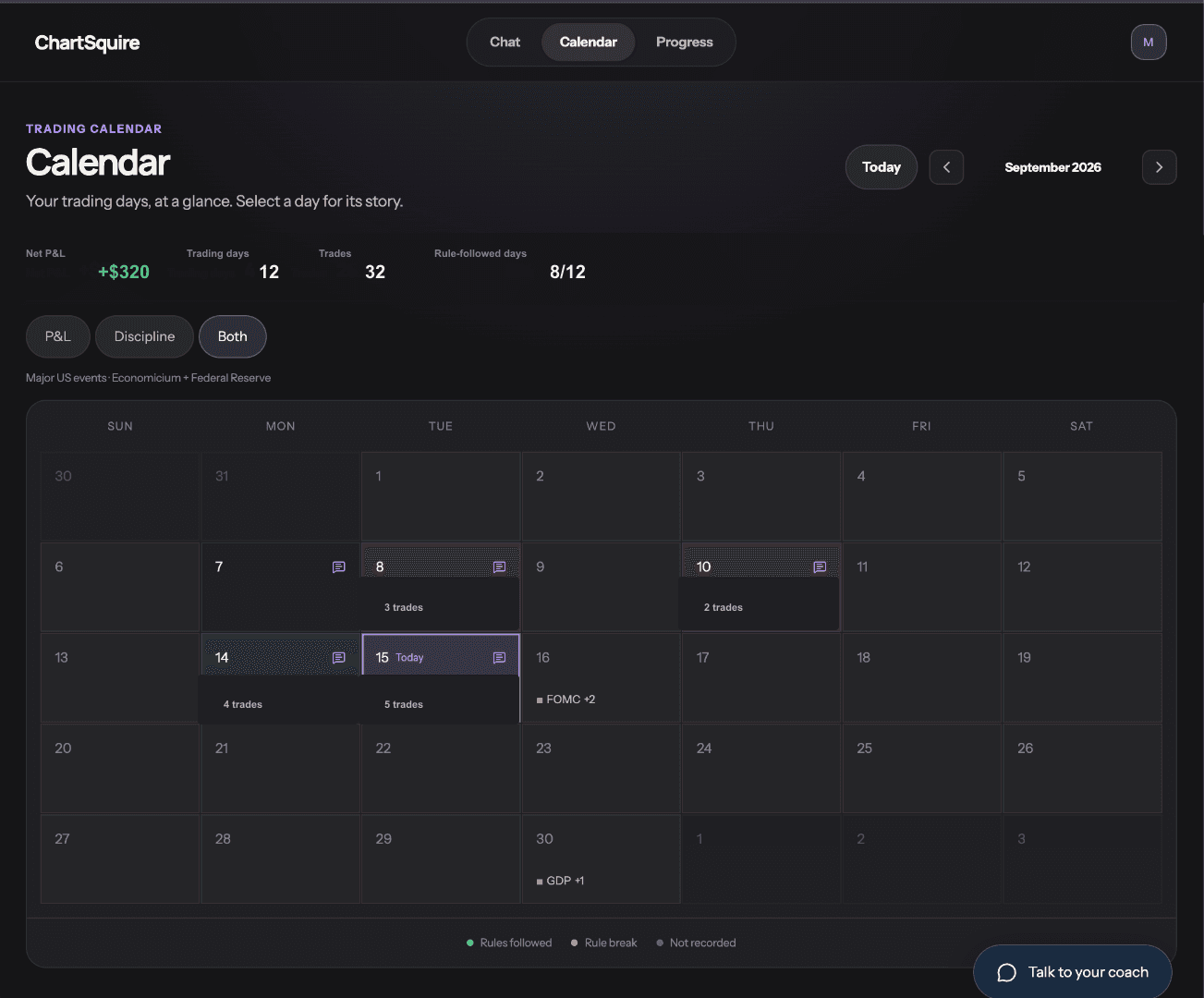
Calendar
Review sessions, results, rule adherence, and market events from one calm history view.
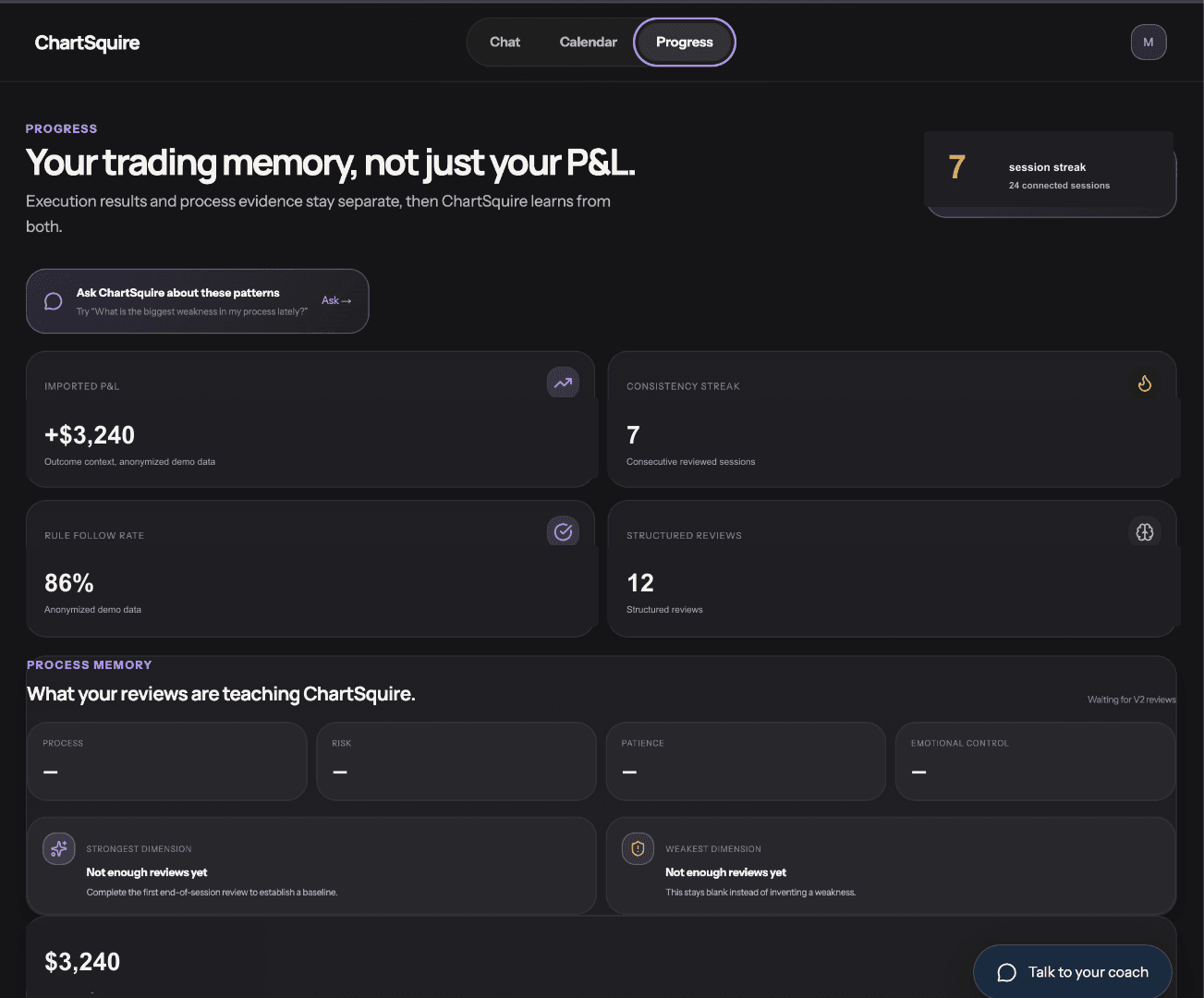
Progress
Keep execution outcomes and review evidence together so recurring patterns become visible.
What ChartSquire does
ChartSquire organizes objective trading evidence and turns it into practical, post-trade coaching. It is not a signal service, a market-prediction product, or a trading platform.
Every trading day becomes a durable session record: trades and fills, written or spoken notes, chart snapshots, mindset events, and the context you were trading under.
Realized P&L, risk, drawdown, execution quality and behavioural patterns, broken down by session, instrument and time of day — all computed from your own executions.
Define the rules you actually trade by — trade limits, loss limits, risk per trade, re-entry conditions, giveback caps — then see how consistently you followed them over time.
After the session closes, ChartSquire walks the day back with you: what worked, what broke, and one clear focus for next session. It reviews trades you have already closed — never signals, predictions, or buy/sell calls.
Integrations
ChartSquire connects as a journaling and analytics application. Connections are requested with read-only scope and are used to build your trading record — nothing else.
Direct read-only connections to the platforms you trade on are on the roadmap. CSV import works today.
Bring existing trade history in from a file export when a direct connection is not available for your platform.
Security & privacy
ChartSquire reads connected trading data and keeps that access separate from your journal. There is no path in the product through which an order can be created, changed, or routed to a broker.
ChartSquire is not a broker, an FCM, or an introducing broker. It does not hold funds and does not provide investment advice.
ChartSquire does not place trades.
ChartSquire does not modify or cancel orders.
ChartSquire does not copy or mirror trades.
ChartSquire is used for journaling, analytics, and review only.
Your sessions, notes, chart snapshots and synced history are private to your authenticated account, and ChartSquire requests only the data needed for journaling and analytics.
Get started
Create an account to begin journaling today's session, or log in to pick up where you left off.